Imagine you're midway through a five-hour road trip to visit your family for the holidays. Your daughter asks, "Can I play Roblox on your laptop?"—your work laptop filled with sensitive client documents, financial information, and vital business data. You're drained from packing, still have hours to go, and honestly, keeping her occupied sounds like a lifeline. What could possibly go wrong?
Here's the catch: Holiday travel brings unique security risks absent from your everyday routine. You're often fatigued, distracted, connecting to untrusted networks, and juggling family time with quick "just checking work" moments. Whether your journey is for business, pleasure, or both, here's how to safeguard your data while keeping the holiday spirit alive.
Pre-Trip Security: 15 Minutes That Save You Hours
Spend just 15 minutes before hitting the road to protect yourself:
Essential Device Steps:
- Ensure all security updates are installed
- Backup critical files to the cloud
- Set automatic screen locks to engage within two minutes
- Activate "Find My Device" features on phones and laptops
- Fully charge your portable power bank
- Pack your own chargers and adapters
Setting Clear Family Boundaries:
- Communicate which devices are allowed for kids
- Provide a dedicated family tablet or secondary device for entertainment
- Create separate user profiles on your laptop for kids' use if necessary
Pro tip: If your kids need screen time on the trip, bring a tablet unlinked from your work accounts. Investing in a $150 iPad can prevent a costly data breach.
Hotel WiFi: Common Mistakes Putting Your Data at Risk
Upon arrival, everyone connects their devices to the hotel WiFi—your teen streams Netflix, your spouse checks emails, and you're trying to finalize a proposal. But hotel networks are public and vulnerable, often shared by hundreds of guests with unknown intentions.
Real case: A family connected to a fake network mimicking their hotel's WiFi. For two days, hackers captured all their online activity—passwords, payment info, emails.
How to stay protected:
Confirm the exact network name with the front desk—never guess.
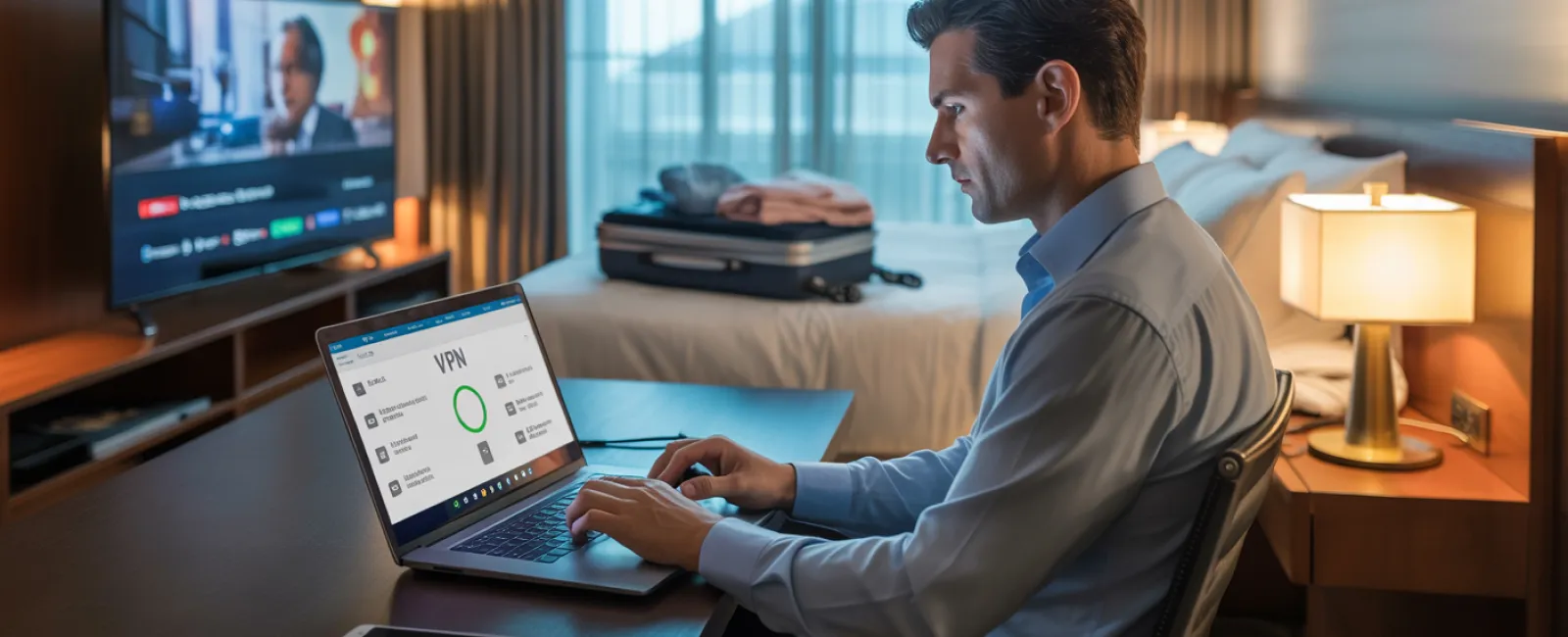
Use a VPN when accessing work data to encrypt your connection.
Switch to your phone's hotspot for sensitive tasks like banking or handling confidential client info instead of hotel WiFi.
Separate work and leisure: Kids streaming video on hotel WiFi is fine; accessing sensitive work data should be done via your mobile data.
Kids Asking to Use Your Laptop? Here's Why You Should Say No
Your laptop contains critical access—emails, finances, client files—yet kids often want to watch videos, play games, or video chat. While their actions aren't malicious, they can inadvertently introduce risks by downloading unsafe files, clicking pop-ups, or sharing passwords.
Smart solutions:
Politely decline access to work devices. Offer alternative devices for their entertainment and enforce this rule consistently.
If permission is unavoidable:
- Set up a restricted user account
- Supervise their activity closely
- Prevent any downloads
- Avoid saving their passwords on your computer
- Clear browsing history after use
Better yet: Bring a dedicated travel device for family use, like an older tablet or laptop disconnected from your work environment.
Streaming on Hotel TVs? Avoid the 'Forget to Log Out' Trap
Families often use hotel smart TVs for Netflix or other streaming, but logging into your account and failing to log out leaves your information accessible to the next guest.
The risk: Unauthorized access to your accounts and potential exposure if you reuse passwords across multiple sites.
How to protect yourself:
- Cast shows from your own device to the TV for safer streaming
- Set a reminder to log out before checkout if you must sign in on the TV
- Download content onto your device before traveling to avoid public TV use entirely
Never log into on public TVs:
- Banking applications
- Work email or accounts
- Social media profiles
- Any account with stored payment details
Lost a Device During Travel? Act Fast to Minimize Damage
Travel chaos can lead to misplaced phones, laptops, or tablets. If your device goes missing, act immediately:
Within the first hour:
- Use "Find My Device" to locate or lock it remotely
- Change passwords for sensitive accounts from a safe device
- Contact your IT support to revoke access to business systems
- Notify affected clients if sensitive data was stored on the device
Preparation before travel is key:
- Enable remote tracking
- Use strong passwords
- Activate automatic data encryption
- Set up remote wipe capabilities
Lost a family member's device? Apply the same swift response—lock, locate, and update passwords.
Beware the Rental Car Data Trap
Connecting your phone via Bluetooth to a rental car is convenient but risky. The vehicle may store contacts, call logs, and message previews, which often remain accessible to subsequent drivers.
Quick fixes before returning your car:
- Remove your phone from the car's Bluetooth settings
- Clear recent GPS destinations
- Or avoid Bluetooth by using an aux cable or no connection at all
Setting Boundaries for the "Working Vacation"
Balancing work and family during holidays can add stress—checking emails repeatedly, taking unexpected calls, and working while others relax. This juggling act reduces focus on security and increases vulnerability to threats.
Practical tips:
- Limit work email checks to twice daily at set times
- Use your phone's hotspot for work, avoiding hotel WiFi
- Work privately in your hotel room instead of public areas
- Be fully present with family during downtime
Ultimately, the best security measure is to truly unplug. Your business can survive a short break, and you'll return alert to threats rather than drained and distracted.
Adopt a Mindful Security Approach for Holiday Travel
Separating work and family time on the road isn't always clean or simple. Sometimes your child legitimately needs your laptop, and sometimes urgent emails demand attention. The key is intentional risk management:
- Prepare your devices thoroughly before departure
- Recognize high-risk activities (e.g., banking on public WiFi) versus safer choices (using your hotspot for emails)
- Establish boundaries between your work info and family fun
- Create a response plan for potential security incidents
- Know when to say "Not on this device"—and mean it
Enjoy a Safe and Stress-Free Holiday
The holiday season should be about treasured moments with loved ones—not costly data breaches or client crises. With a little foresight and a few straightforward practices, you can protect your business while keeping your family's vacation joyful. Everyone wins.
Need help crafting travel security policies for your team or yourself? Click here or call us at 877-310-0123 to schedule your free 15-Minute Discovery Call. We'll guide you in developing practical safeguards that secure your business without complicating travel.
Because no holiday memory should ever be, "Remember when Dad's laptop got hacked?"