Most businesses know that spring cleaning starts with closets, but the true clutter often lurks beyond the rack.
It could be tangled in server racks, piled up in storage rooms, tucked away in back offices, or stacked in a "deal with later" heap.
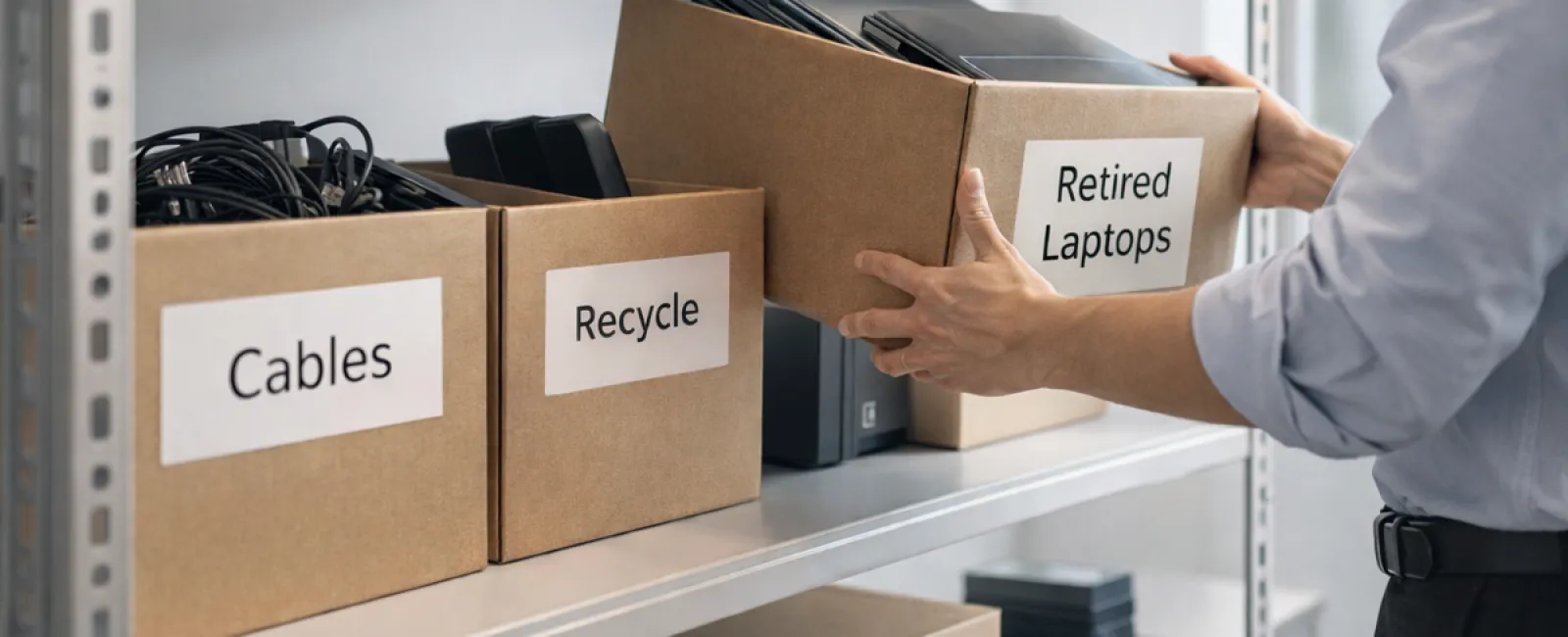
Old laptops, obsolete printers, backup drives left over from several upgrades ago, and boxes of cables saved "just in case."
This kind of accumulation happens at every company.
The key question: Do you have a smart plan for what to do with it all?
The Technology Life Cycle Extends Beyond the Purchase Date
New tech purchases usually come with clear reasons — faster speed, enhanced security, greater capability, or supporting growth.
While many businesses carefully plan technology acquisitions, far fewer have a strategy for retiring old equipment.
Retiring gear often happens quietly: a device gets swapped, set aside, then eventually someone decides to clear it out.
This is typical.
What's less common is treating the retirement process with the same thoughtful approach as the initial purchase.
Old technology still holds value, contains recyclable elements, and may store sensitive data. When left unattended, it can cause operational inefficiencies.
Spring is the perfect moment to pause and evaluate: What's truly useful and what's just occupying space?
A Clear-Cut Plan to Organize Your Tech
To move beyond "we should" talk, apply our straightforward four-step method.
Step 1: Catalog Your Equipment
Identify precisely what's being retired — laptops, phones, printers, networking gear, or external drives? You can't manage what you don't know. A quick check often uncovers more items than expected.
Step 2: Choose the Right Path
Devices usually fit into three buckets: reuse (internal use or donation), recycle (via certified e-waste programs), or destruction (for sensitive data). The important part is making these choices deliberately instead of allowing equipment to languish in storage.
Step 3: Properly Prepare Each Device
A little care here goes a long way.
For reuse or donations, remove devices from management systems, revoke access, and perform certified data wiping—not just factory resets. Deleting files or quick formatting doesn't erase data; it merely hides its location.
Research by Blancco shows 42% of resold drives bought on eBay still contained sensitive info despite sellers claiming proper wiping. Certified erasure tools overwrite every sector and provide a verification report.
For recycling, always use certified e-waste providers—not dumpsters or curbside. Note: Best Buy's recycling program is for households only, not businesses.
Commercial gear should go to certified IT asset disposition (ITAD) services or business-grade e-waste recyclers. Look for e-Stewards or R2 certifications (directories at e-stewards.org and sustainableelectronics.org). Your IT provider can often help coordinate.
For destruction, use certified data-wiping or physical destruction methods like shredding or degaussing, and record details—serial number, method, date, and handler.
This is about responsibly closing the loop.
Step 4: Track and Finalize
After equipment leaves your premises, track where it went, how it was handled, and confirm access removal. Documentation prevents lingering uncertainties.
Overlooked Devices Needing Attention
Laptops usually get noticed; other gear often gets ignored.
Phones and Tablets can still hold email accounts, contacts, or authentication apps. Factory resets remove most data, but certified mobile erase tools offer deeper security. Major brands like Apple and Samsung even offer trade-in credits for older units.
Modern Printers and Copiers often have internal hard drives that store every print, scan, copy, or fax. For leased machines, get written confirmation that these drives will be wiped or removed before redeployment.
Batteries are classified as hazardous waste by the EPA, and many states prohibit businesses from throwing rechargeable batteries in the trash. Detach batteries when possible, tape terminals to prevent shorts, and take them to certified drop-off locations. Call2Recycle.org provides drop-off maps; Staples, Home Depot, and Lowe's usually accept rechargeable batteries too.
External Drives and Retired Servers often remain forgotten in closets. Though not inherently problematic, they deserve the same retirement process as other equipment.
Recycling: A Critical Reminder
Earth Day in April serves as a timely reminder.
Electronics must avoid landfills. Over 62 million metric tons of e-waste are generated yearly, but only around 22% is properly recycled. Batteries, monitors, and circuit boards require certified recycling. Most communities offer official e-waste disposal for this purpose.
Handled correctly, tech retirement is efficient, eco-friendly, and smart. You never have to sacrifice security for responsibility—you can have both.
Plus, it's a positive story to share on social media. Customers appreciate companies that manage tech responsibly without fanfare.
Unlocking the Larger Potential
Spring cleaning is about more than clearing items—it creates fresh space.
Removing obsolete equipment is just one part of the equation. While reviewing hardware, ask the bigger question: Is your technology truly enabling your business strategy?
Hardware changes, but productivity and profit are driven by software, systems, automation, and optimized processes.
Properly retiring old devices is sound maintenance. Aligning your technology with your goals is what propels your business forward.
How We Support You
If you already have a clear equipment retirement process, wonderful. It should feel straightforward and routine.
As you replace old hardware responsibly, it's also a prime time to assess the wider picture. Are your systems efficient? Do your tools integrate well? Is your technology driving growth or just keeping things running?
If you'd like an objective review of your technology stack, systems, and workflows to boost productivity and profit, we're ready to help.
No pushy sales or checklists. Just a practical, honest discussion about making technology serve your business better.
Click here or give us a call at 877-310-0123 to schedule your free 15-Minute Discovery Call.
If this inspired you, feel free to share it with other business owners.
Don't limit spring cleaning to closets — include the vital systems that keep your business moving.