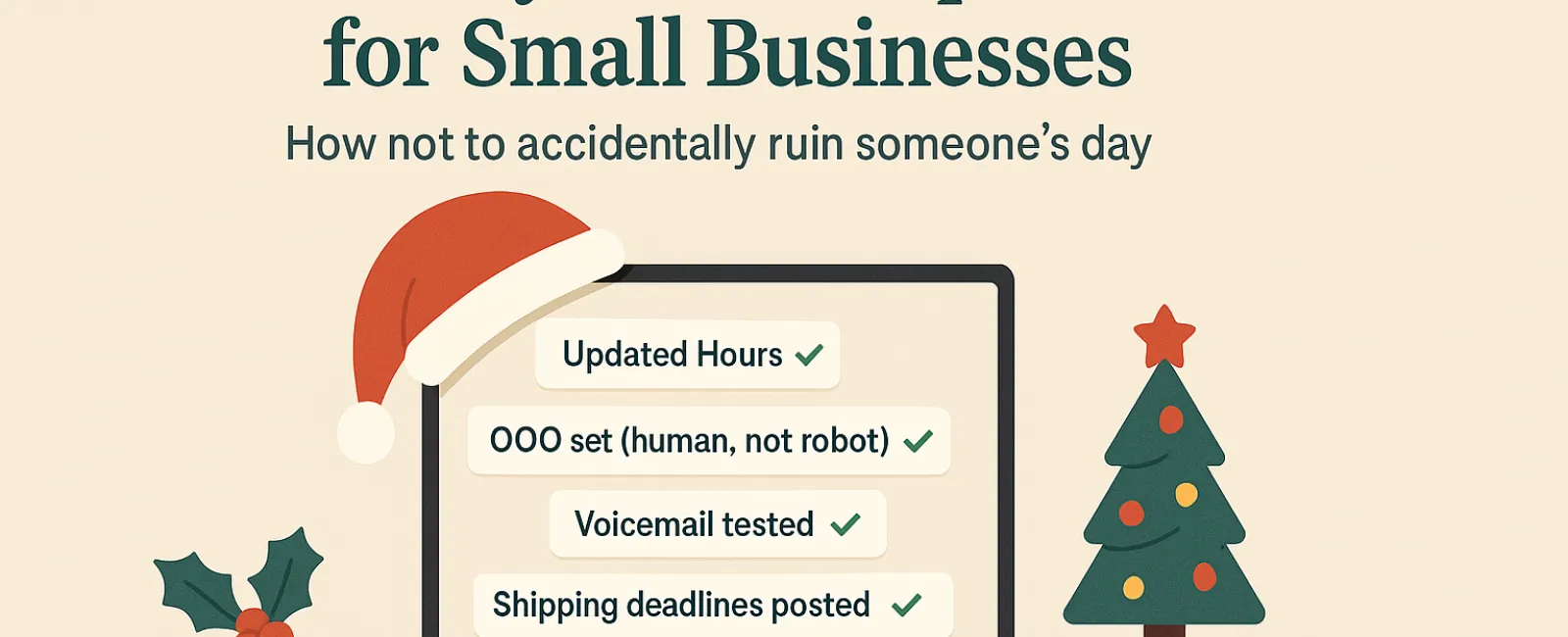
Holidays can turn hectic fast, and the last thing you want is technology issues adding to the chaos. Customers are rushing to fit in last-minute tasks, employees balance family demands, and everyone's stress levels are through the roof. Avoid frustrating your customers with simple tech missteps that can easily be prevented.
Consider this your essential Holiday Tech Etiquette Guide—because no one wants to be the business that spoils someone's day.
1. Make Sure Your Online Hours Are Accurate Before the First Complaint
Imagine a customer dashing across town on their lunch break because Google says you're open, only to find the doors locked. You've just created someone's bad experience story.
Update these places:
- Your Google Business Profile—the most important spot!
- Facebook, Instagram, Yelp—wherever customers might look for you
- Your website banner showcasing your holiday schedule
- Apple Maps—yes, some people actually use it!
Example message: "Happy Holidays! We'll be closed from Thursday, Nov. 28 through Sunday, Dec. 1 to spend time with family. Regular hours resume Monday morning—probably with a little turkey hangover but ready to assist!"
2. Craft Warm Out-Of-Office Replies That Sound Human
If you're stepping away for the holidays, don't leave customers guessing about your status. An out-of-office reply should be friendly, professional, and reassuring—not robotic.
Sample message: "Thanks for your message! Our office is closed for Thanksgiving from Nov. 27 to Dec. 1. We'll get back to you as soon as we return and have had our caffeine fix. For emergencies, call our support line at (XXX) XXX-XXXX. Wishing you a joyful holiday season!"
3. Keep "Out Of Office" Replies Concise—Skip the Personal Details
Keep your messages straightforward. Customers don't need to hear about Aunt Carol in Denver or Bob's Friendsgiving potluck.
Oversharing can pose security risks and distract from essential information. Stick to dates, when you'll respond, and who to contact in your absence. Save the travel tales for social media.
4. Test Your Phone System to Prevent Frustration
Holiday callers are often in a hurry and stressed. Ensure your voicemail greeting reflects your current hours and guides callers effectively.
Pro tip: Give your number a call yourself to confirm your greeting isn't outdated—many businesses have messages dating back years.
Example voicemail: "Hello, you've reached [Business Name]. Our office is closed for the holiday weekend. Please leave a message, and we'll return your call Monday morning. For urgent matters, press 1 to connect with our on-call team. Happy Holidays and thank you for your patience!"
5. Clearly Communicate Shipping Deadlines to Avoid Last-Minute Stress
If you ship products, clearly announce your order cut-off dates well ahead of time. Post deadlines prominently online and remind customers via email.
Late deliveries cause frustration, but missed expectations can damage customer relationships. No one wants to explain why their special gift arrives too late.
Final Thought: Great Tech Etiquette Means Happy Customers and Thriving Business
Holiday tech etiquette boils down to transparency, clear communication, and respecting your customers' time. A few thoughtful updates can help you avoid headaches and maintain a stellar reputation.
Remember: It's not just about avoiding issues—it's about showing your customers they matter, even when you're away.
Need expert help to ensure your systems and customer experience stay top-notch this holiday season? Call us at 877-310-0123 or click here to book your free 15-Minute Discovery Call. Let's explore simple solutions to keep your business on track while you enjoy a well-earned break.